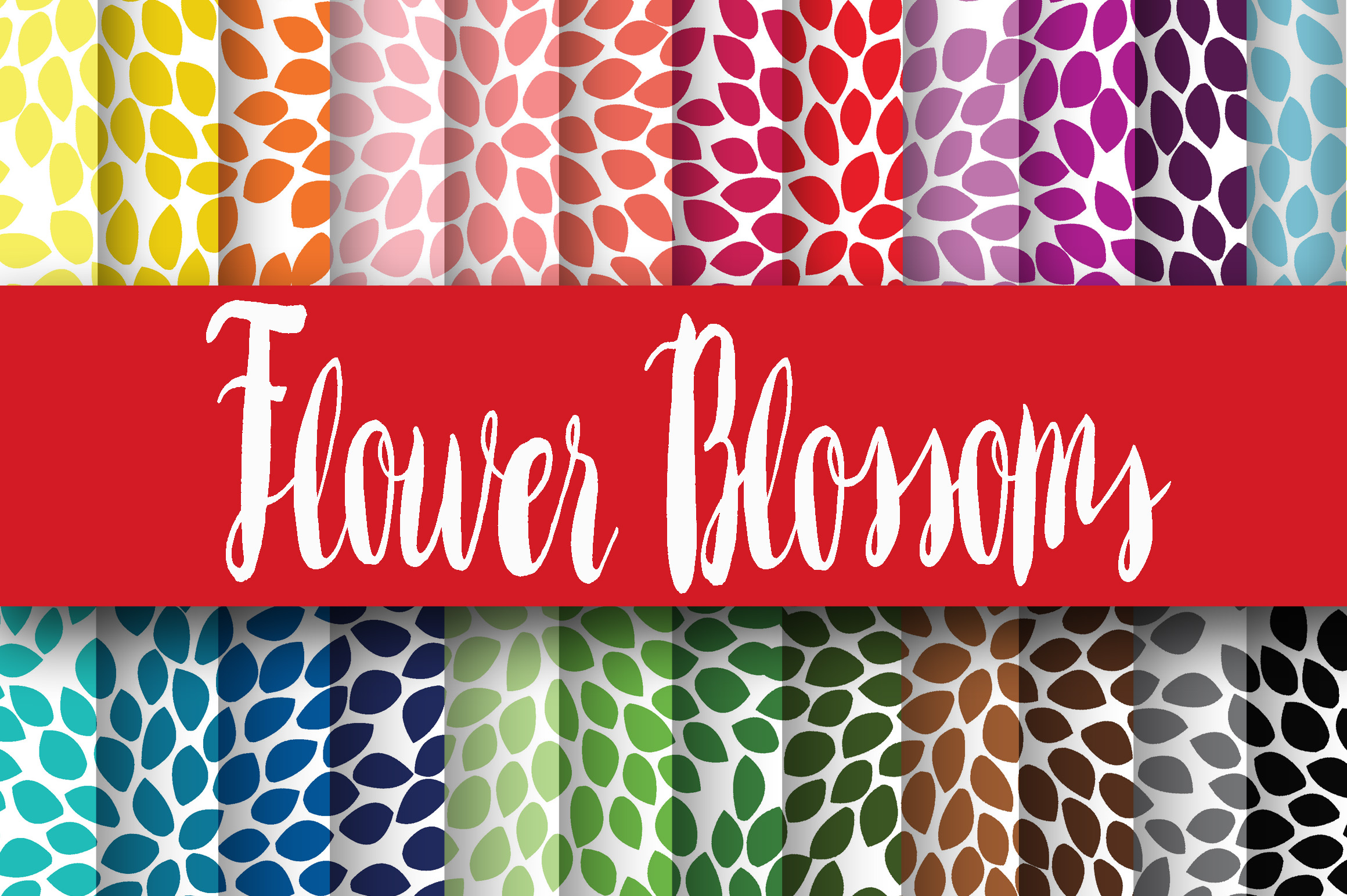
Flower Blossoms Digital Papers
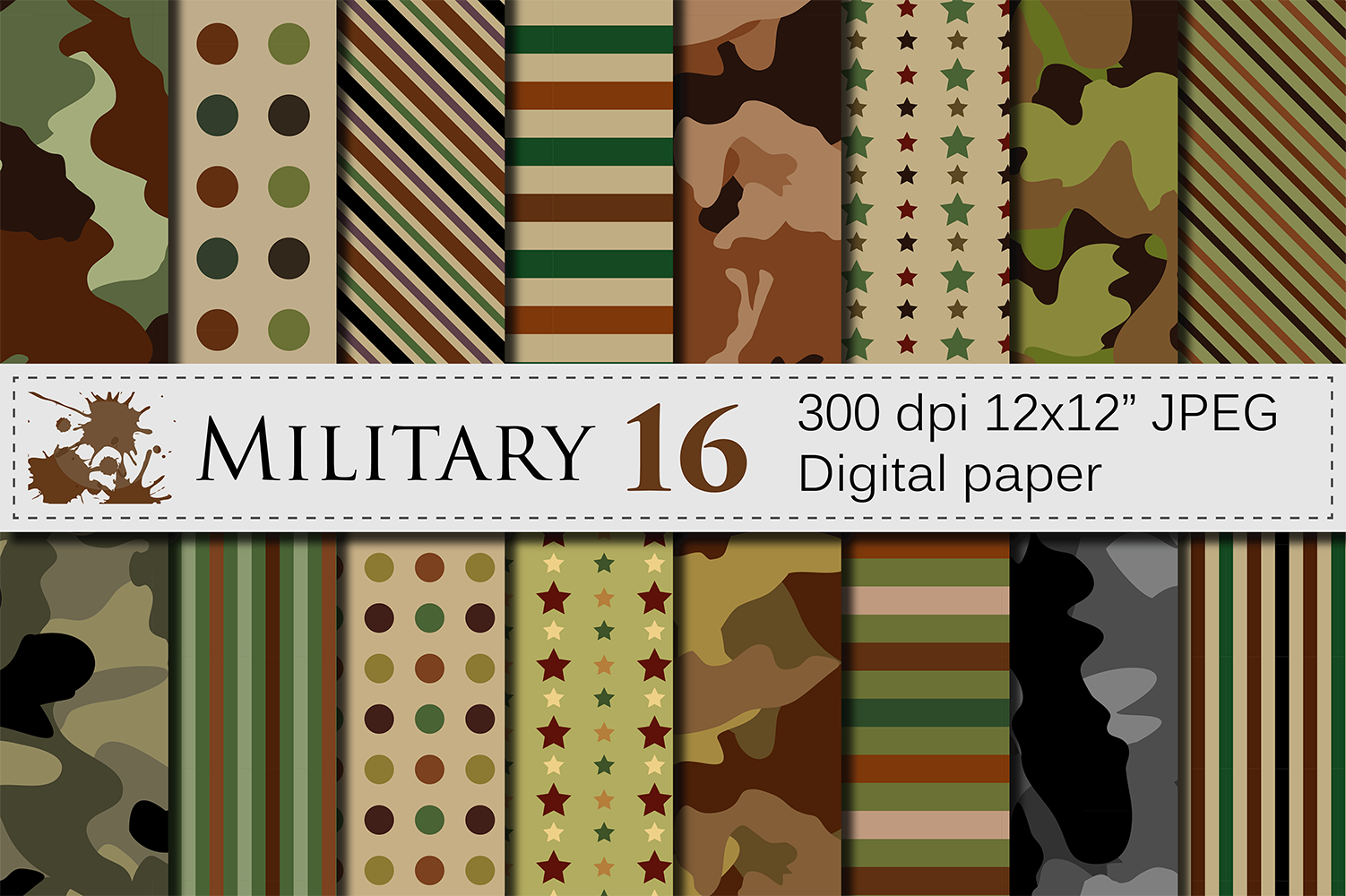
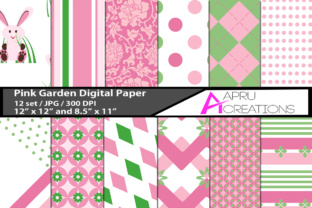
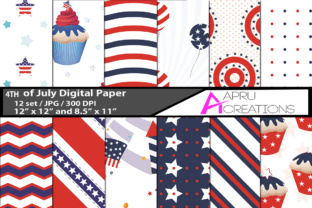
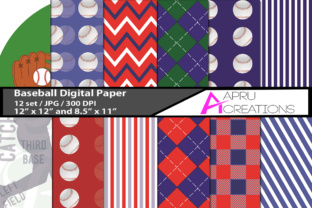
Flower Blossoms Digital Papers is a curated collection of 24 high-resolution, ready-to-use digital patterned papers designed for creators who need consistent, print-ready floral textures without the time or technical overhead of designing from scratch. Unlike generic clipart bundles or low-DPI web graphics, this set delivers professional-grade assets with clear intent: supporting real-world creative workflows where color fidelity, scalability, and compatibility matter.
What You Get — And Why It Matters
The package includes 24 JPEG files, each sized at 12 × 12 inches and rendered at 300 DPI — the standard resolution required for crisp printing in scrapbooks, greeting cards, wedding stationery, and physical product packaging. Each paper features original floral blossom motifs, arranged with balanced density and intentional negative space to avoid visual clutter. The color palette leans into warm, saturated tones — coral pinks, buttery yellows, sage greens, and soft lavenders — but avoids oversaturation that can shift unpredictably during CMYK conversion.
This isn’t a grab-bag of random florals. The designs share a cohesive aesthetic: hand-drawn-inspired blossoms with subtle texture overlays (like light watercolor grain or faint linen impressions), giving them depth without compromising versatility. That consistency makes Flower Blossoms Digital Papers especially useful when building unified brand collateral — say, a small-batch stationery line or a boutique wedding suite — where mismatched patterns would undermine perceived professionalism.
Real-World Usability Across Workflows
In practice, these papers integrate cleanly into common design environments. Because they’re delivered as JPEGs — not layered PSDs or proprietary formats — they work immediately in Canva, Adobe Express, Affinity Designer, Cricut Design Space, and even Microsoft PowerPoint or Google Slides. No plugin, extraction step, or license key is needed. Simply download, unzip, and drag into your project.
That simplicity supports both speed and reliability. A freelance graphic designer preparing a client’s bridal invitation suite can drop a blossom paper as a background layer, adjust opacity for subtlety, and export directly to PDF/X-1a for commercial print — all within minutes. Similarly, an educator creating printable classroom resources (e.g., spring-themed flashcards or lesson plan templates) benefits from the clean edges and uniform sizing: no cropping or resampling required to fit standard letter or A4 layouts.
One practical note: because these are raster files (not vectors), they’re best suited for applications where scaling remains within their native dimensions. Enlarging beyond 12 × 12 inches may reveal pixelation — though at typical use cases (6 × 6 inch cards, 8.5 × 11 inch printables, or full-page digital backgrounds), that limitation doesn’t surface. For users needing infinite scalability (e.g., large-format signage or embroidery digitizing), vector alternatives would be more appropriate.
Who Benefits Most — And Where It Fits Naturally
Flower Blossoms Digital Papers serves a specific, well-defined segment: creators who prioritize efficiency without sacrificing aesthetic integrity. That includes:
- Small business owners launching seasonal product lines — think handmade soap labels, bakery packaging, or botanical-themed subscription box inserts;
- Wedding professionals (planners, calligraphers, stationery designers) producing custom suites where floral continuity matters across save-the-dates, menus, and thank-you cards;
- Educators and homeschoolers developing themed learning materials — particularly for early childhood, botany units, or seasonal celebrations;
- Digital product creators selling printable planners, journals, or wall art on platforms like Etsy or Gumroad, where cohesive visual branding increases perceived value;
- Scrapbookers and cardmakers working digitally (e.g., using hybrid techniques or digital-only layouts) who want authentic-looking paper textures without scanning physical stock.
It’s less ideal for users needing monochrome variants, transparency (alpha channels), or editable elements (like isolated flower elements for compositing). If your workflow depends heavily on masking, recoloring, or layering individual components, a vector-based floral asset pack would offer more flexibility — but at the cost of immediate print readiness and broader software compatibility.
Quality, Consistency, and Long-Term Utility
Across all 24 papers, color accuracy holds up well under soft proofing in both sRGB and Adobe RGB profiles. Tested across multiple calibrated monitors and printed on uncoated matte cardstock, the blossoms retained warmth and contrast without bleeding or muddying — a sign of thoughtful color management during creation. There’s no visible compression artifacting, banding, or inconsistent lighting between files, which speaks to disciplined batch processing and quality control.
From a longevity standpoint, JPEGs are universally supported and unlikely to become obsolete. Unlike cloud-dependent assets or subscription-based libraries, Flower Blossoms Digital Papers is a one-time acquisition you own outright — usable offline, archived locally, and compatible with future versions of design tools. That permanence adds quiet value for professionals maintaining long-term brand libraries or educators reusing materials year after year.
Practical Integration Tips
To maximize utility, consider how these papers function as foundational layers rather than standalone elements. For example:
- Use them as subtle background textures beneath bold typography — lowering opacity to 15–30% preserves readability while adding organic warmth;
- Apply clipping masks in Photoshop or Affinity to confine blossom patterns to specific shapes (e.g., circular photo frames or ribbon banners);
- Combine two papers — one as a base, another overlaid with blend mode “Multiply” or “Overlay” — to create richer, dimensional backgrounds without generating visual noise;
- For physical projects, pair them with kraft paper or ivory cardstock to ground bright colors and enhance tactile contrast.
Avoid overloading layouts. These papers carry visual weight; using more than one or two per project risks competing focal points. In branding contexts, select just two complementary blossoms — perhaps one dominant background and one accent tile — and apply them consistently across touchpoints.
A Balanced Assessment
Flower Blossoms Digital Papers doesn’t reinvent digital design, nor does it try to. Its strength lies in focused execution: delivering what it promises — 24 reliable, print-savvy, aesthetically aligned floral papers — without unnecessary complexity or inflated claims. It performs well where clarity, speed, and consistency matter most: in deadline-driven client work, repeatable educational resources, or small-batch physical production.
If your needs center on adaptable, licensable, high-fidelity floral textures — and you value straightforward file delivery over granular customization — Flower Blossoms Digital Papers fits cleanly into existing toolchains. It won’t replace illustration skills or strategic branding work, but it reliably removes one recurring friction point: sourcing trustworthy, production-ready paper assets that look intentional, not incidental.