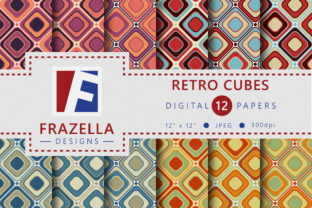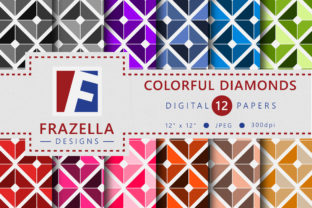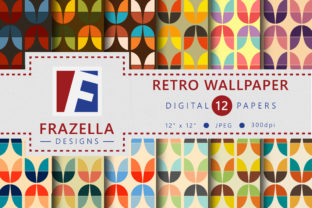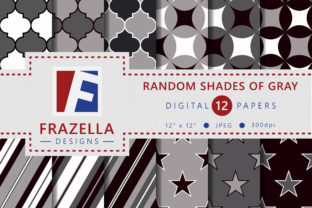
Funky Squares Digital Paper Collection
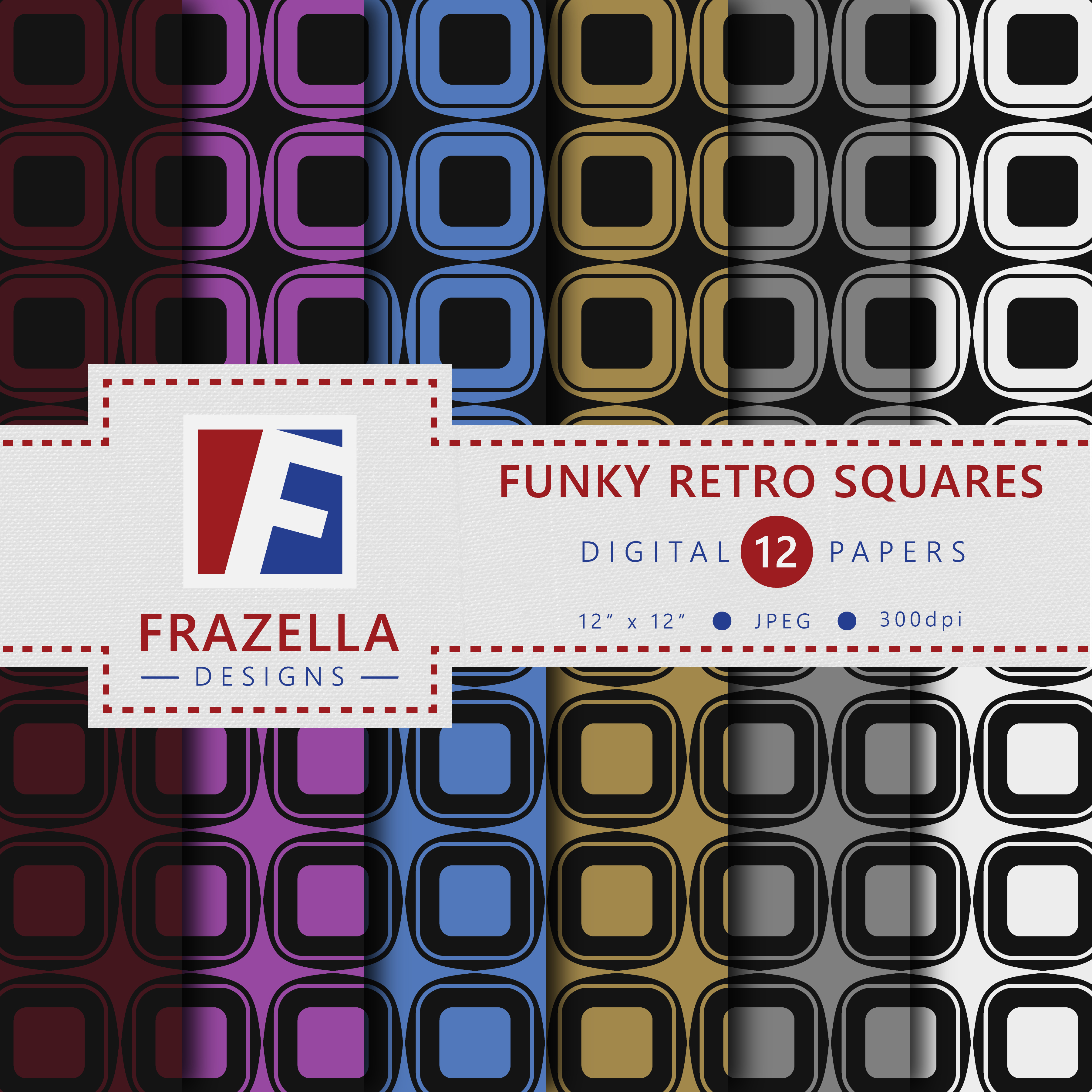
The Funky Squares Digital Paper Collection is a tightly curated set of 12 high-resolution JPG digital papers—designed for immediate use across both digital and print-based creative workflows. Unlike generic pattern libraries or overly complex design suites, this collection delivers visual energy without sacrificing usability. Each paper features bold geometry, intentional contrast, and balanced color palettes that support clarity—not distraction. It’s built for people who need reliable, on-brand texture fast: designers refining mockups, educators building printable lesson materials, small business owners updating social templates, or bloggers preparing downloadable resources.
Where It Fits in Your Creative Process
Digital paper collections like the Funky Squares Digital Paper Collection rarely sit at the center of a project—but they often act as critical connective tissue. Think of them as infrastructure: invisible when working well, but immediately noticeable when missing. They bridge gaps between concept and execution. For example, when designing a printable habit tracker, you don’t start with typography—you start with surface. That surface sets tone, hierarchy, and emotional resonance before a single word is placed. The Funky Squares Digital Paper Collection gives you that surface in seconds, not hours.
It works at multiple stages:
- Before: Use a square-patterned background to test layout responsiveness in Canva or Adobe Express—seeing how text overlays behave against rhythm and repetition helps avoid last-minute readability fixes.
- During: Drop a Funky Squares paper into a Procreate canvas as a base layer while sketching product packaging concepts—its structure guides alignment and scale decisions organically.
- After: Swap out flat white backgrounds in finalized Canva social posts with a subtle Funky Squares texture to add tactile warmth before publishing—no reworking of fonts or spacing needed.
Integration With Common Tools and Platforms
Because the Funky Squares Digital Paper Collection ships as 12 JPG files (300 DPI, 12"x12" dimensions), compatibility is broad and frictionless. You’ll use them directly in tools where layered assets matter most:
- Canva: Upload to your Brand Kit or Templates folder—apply as page backgrounds or image masks. Works especially well with Canva’s “Adjust transparency” slider for soft overlays.
- Adobe Photoshop & Illustrator: Drag-and-drop into any document. Use as clipping masks for text blocks or smart objects for non-destructive scaling.
- Procreate: Import as reference images or background layers. Enable Alpha Lock on the layer to paint or stamp over the pattern without losing its integrity.
- Microsoft PowerPoint & Google Slides: Insert as slide backgrounds—ideal for workshop decks or pitch presentations where visual consistency reinforces message authority.
No plugins, no subscriptions, no conversion steps. This isn’t a tool that asks you to change how you work—it slots into how you already do.
Practical Implementation Tips
Getting consistent, professional results starts with intention—not just aesthetics. Here’s how to use the Funky Squares Digital Paper Collection with purpose:
- Match pattern scale to output size. A dense square grid reads clearly on an 8.5"x11" printable but can overwhelm a mobile screen thumbnail. Preview at actual size before finalizing—zoom to 100% in your editor to check legibility.
- Limit pattern layering. Pair one Funky Squares paper with solid-color overlays or minimal line art—not other repeating patterns. Visual competition dilutes impact and slows comprehension.
- Use color strategically. These papers are designed with accessible contrast in mind, but always verify foreground text meets WCAG AA standards when printed or viewed on-device. Tools like WebAIM’s Contrast Checker take two seconds.
- Organize for speed. Rename files meaningfully: funky-squares-navy-teal.jpg, funky-squares-terracotta-cream.jpg. Store them in a dedicated “Textures/Digital Papers” subfolder inside your main design assets library—no hunting mid-deadline.
Workflow Examples Across Roles
Educators use the Funky Squares Digital Paper Collection to build visually distinct, printable classroom resources—flashcards, behavior charts, or student feedback forms. The geometric consistency helps students recognize categories at a glance (e.g., all math practice sheets use the same blue-based square pattern). No extra design time; just drag, type, print.
Freelance marketers embed these papers into client presentation decks to reinforce brand personality without custom illustration. A fintech startup might choose the charcoal-gray + mustard variant to signal precision and energy—then reuse that same paper across email headers and PDF one-pagers for continuity.
Small business owners creating limited-run greeting cards or gift tags use the collection to batch-produce cohesive seasonal sets. Print one version on matte cardstock, another on kraft—same digital file, different physical feel. That flexibility reduces SKU complexity and inventory risk.
Quality Control and Long-Term Use
Each file in the Funky Squares Digital Paper Collection is exported at true 300 DPI, ensuring sharpness whether printed on a home inkjet or sent to a commercial printer. There are no embedded watermarks, no compressed JPEG artifacts, and no hidden layers—what you see is what you get. That reliability matters when you’re iterating on client deliverables or archiving assets for future campaigns.
For long-term use, treat these papers like foundational fonts: audit them annually. Ask: Does this still reflect my current visual voice? Does it align with updated brand guidelines? Is it performing well in analytics (e.g., higher engagement on social posts using these textures)? If yes, keep them active. If not, archive and replace—without guilt. Good digital assets evolve with your work, not against it.
Consistency Without Constraint
One common misconception about patterned digital papers is that they limit creativity. In practice, the Funky Squares Digital Paper Collection does the opposite: it removes low-value decisions so you can focus on high-impact ones. Choosing a background shouldn’t consume 20 minutes of your afternoon. Neither should troubleshooting resolution mismatches or licensing ambiguity.
That consistency extends beyond visuals—it supports planning discipline. When your texture library is predictable, your timeline estimates become more accurate. You know how long it takes to drop in a paper, adjust opacity, and export. That predictability compounds across projects, months, and team handoffs.
If you're evaluating whether this collection fits your workflow, ask yourself: Do I regularly create assets that benefit from intentional surface texture? Do I value speed without sacrificing quality? Do I prefer ready-to-use precision over endless customization? If two of those are true, the Funky Squares Digital Paper Collection isn’t just convenient—it’s operational leverage.